VidFlow
Professional screen recordings, effortlessly.
Auto-zoom on clicks, silky cursor tracking, gorgeous backgrounds, webcam with beauty filters. One-time $19 — no subscription.
macOS 14+ · Free includes VidFlow watermark
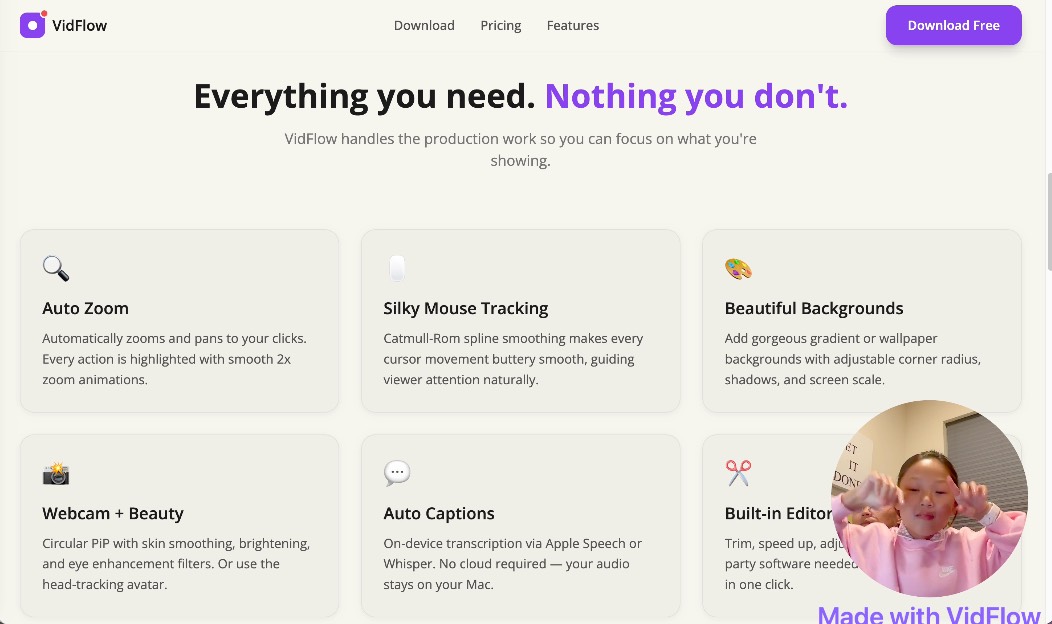
Everything you need. Nothing you don't.
VidFlow handles the production work so you can focus on what you're showing.
Auto Zoom
Automatically zooms and pans to your clicks. Every action is highlighted with smooth 2x zoom animations.
Silky Mouse Tracking
Catmull-Rom spline smoothing makes every cursor movement buttery smooth, guiding viewer attention naturally.
Beautiful Backgrounds
Add gorgeous gradient or wallpaper backgrounds with adjustable corner radius, shadows, and screen scale.
Webcam + Beauty
Circular PiP with skin smoothing, brightening, and eye enhancement filters. Or use the head-tracking avatar.
Auto Captions
On-device transcription via Apple Speech or Whisper. No cloud required — your audio stays on your Mac.
Built-in Editor
Trim, speed up, adjust volume — no third-party software needed. Export polished MP4 in one click.
See the difference
Same recording. One is raw. One is VidFlow.
before.mp4
after.mp4
One price. Forever.
No subscription. No monthly fees. Pay once, use forever.
- ✓ Screen, window & region recording
- ✓ Auto-zoom on clicks
- ✓ Mouse trajectory smoothing
- ✓ Beautiful backgrounds & shadows
- ✓ Webcam with beauty filters
- ✓ Head-tracking avatar
- ✓ Auto captions (Apple Speech + Whisper)
- ✓ Trim, speed, volume editor
- ✓ MP4 export
- ✓ Custom watermark
- ✓ Lifetime license — all future updates
- ✓ macOS 14+
Secure payment via LemonSqueezy · Instant license key delivery
Try VidFlow for free
Download and start recording. Free version includes all features with a VidFlow watermark on exports.
macOS 14 Sonoma or later · Apple Silicon & Intel